
Step 1
The documents arrive. The agent reads them.
Invoices, receipts and bank statements are ingested as they arrive, from the mailbox, shared folders and bank exports (CAMT, CSV, PDF). Nobody sorts.
Meet @O.
 Free 30-min AI audit
Make your fiduciary thrive in the AI era
Free 30-min AI auditWith Teo: where your hours go, and a clear AI ROI plan for your firm
Get the AI case studyOne mandate, start to finish
We start with bookkeeping entry and bank reconciliation: the workflow with the highest leverage. Here is what happens, step by step, and what your accountant sees each time.
Step 1
Invoices, receipts and bank statements are ingested as they arrive, from the mailbox, shared folders and bank exports (CAMT, CSV, PDF). Nobody sorts.
Step 2
The agent matches each movement to its document and to the existing entries. What matches is marked; what does not is never forced.
Step 3
Duplicates, missing receipts, unexplained balances: flagged the same day, not discovered at closing.
Step 4
The agent drafts the message to the client, document by document. Your accountant reads it, adjusts it if needed, and sends it in one click.
Step 5
Label, account, VAT: the agent proposes the entry from the mandate’s chart of accounts and your habits. It proposes; it does not impose.
Step 6
A file ready to import into WinBiz, Abacus or Bexio. Every approval, the final entry and the client relationship stay with your team.
18 invoices and 31 bank movements detected
| Date | Movement | CHF | Receipt |
|---|---|---|---|
| 04.10 | Gastro Service Genève | 1’240.00 | Invoice 2026-1187 |
| 07.10 | SIG Électricité | 386.55 | Statement 10/2026 |
| 11.10 | Migros Pro | 212.40 | Receipt 11.10 |
| 14.10 | Swisscom | 89.00 | Invoice 44212 |
| 19.10 | Client payment - Table 12 SA | 2’400.00 | Issued invoice 118 |
27 of 31 movements reconciled
4 exceptions flagged, no entry forced
To: accounting@bistroleman.ch
Subject: Three receipts for October
Dear Ms Rochat,
To close October we are missing three documents:
· the Brasserie du Lac invoice of 21.10 (CHF 640.00)
· the Bächler rental invoice of 25.10 (CHF 310.00)
· the receipt for the card withdrawal of 28.10 (CHF 150.00)
You can simply reply to this message with the documents.
Thank you in advance,
Sophie
Draft ready - sent by your accountant
| Date | Label | CHF | Account | VAT |
|---|---|---|---|---|
| 04.10 | Goods - Gastro Service | 1’240.00 | 4000 | 8.1% |
| 07.10 | Electricity October - SIG | 386.55 | 6500 | 8.1% |
| 11.10 | Goods - Migros Pro | 212.40 | 4000 | 2.6% |
| 14.10 | Telephony - Swisscom | 89.00 | 6510 | 8.1% |
| 19.10 | Payment received, invoice 118 - Table 12 SA | 2’400.00 | 1100 | - |
27 entries proposed, 4 waiting for a document
Draft journal · October · Bistro Leman
Review by your accountant: about 45 minutes instead of 6 hours
Where we help
Ogment takes the first pass on financial data entry, closing, taxes, VAT, audit prep, and payroll, then routes the right decisions back to your team.
@O process the new invoices for Bistro Leman.
On it. I am reading the inbox, extracting invoice fields, and matching vendors before creating draft entries.
 OutlookInvoice PDFs
 Bexio
BexioBistro Leman - journal draft, October
| Date | Vendor | CHF | Account |
|---|---|---|---|
| 04.10 | Gastro Service Genève | 1’240.00 | 4000 Goods |
| 07.10 | SIG Électricité | 386.55 | 6500 Energy |
| 11.10 | Migros Pro | 212.40 | 4000 Goods |
✅18 invoices extracted
✅15 vendors matched to the chart of accounts
✅3 missing receipts routed to the client
@O prepare the month-end close pack for Alpin Atelier.
On it. I am reconciling bank movements, checking open accruals, and assembling the close checklist.
Bexio DriveClose checklist
Alpin Atelier - October close checklist
| Close step | Owner | Diff CHF | State |
|---|---|---|---|
| Bank reconciliation | O | 0.00 | Matched |
| Accruals review | O | 4’820.00 | Posted |
| Payroll journal | Laura | — | Waiting |
Mark the close pack ready and send the two exception questions to the partner?
Close pack ready. Two items need partner judgment.
@O prepare the tax review file for Carouge Design.
On it. I am collecting client inputs, checking prior-year notes, and drafting the working-paper summary.
 Dr. TaxClient filesOutlook
Carouge Design - tax working papers, 2024
| Position | Prior year | This year | Note |
|---|---|---|---|
| Depreciation | 38’400.00 | 41’200.00 | Traced |
| Provisions | 12’000.00 | 9’500.00 | Query |
| Deductions | 6’740.00 | 7’110.00 | Traced |
✅Prior-year adjustments summarized
✅Open deductions listed for review
✅Client questionnaire drafted
@O prepare the VAT review pack for the quarter.
On it. I am reconciling source records, checking input VAT evidence, and tracing entries back to vouchers.
BexioESTV returnVouchersESTV form 0200 - Q3 draft
| Ref | Position | CHF | Status |
|---|---|---|---|
| 200 | Total turnover | 482’310.00 | Traced |
| 302 | Standard rate 8.1% | 39’067.11 | Traced |
| 312 | Reduced rate 2.6% | 1’884.20 | Traced |
Send the exception list to the client and mark the VAT file ready for review?
VAT pack ready. Two evidence gaps need approval before filing.
@O assemble support for the auditor sample request.
On it. I am mapping each sample to vouchers, ledger entries, approvals, and the explanation draft.
Audit folderBexioSample requestAudit file 2024 - sample mapping
| Sample | Voucher | Approved by | Evidence |
|---|---|---|---|
| #04 | BLG-2291 | L. Meier | Complete |
| #11 | BLG-2347 | — | Missing |
| #17 | BLG-2402 | A. Roth | Complete |
✅22 sample items mapped
✅4 missing approvals flagged
✅Auditor response draft prepared
@O check payroll changes before we close salaries.
On it. I am reviewing employee changes, matching supporting documents, and listing approvals before payroll is finalized.
OutlookPayroll fileContractsOctober payroll - change list
| Employee | Change | From CHF | Document |
|---|---|---|---|
| A. Perret | Rate change | 6’200.00 | Signed |
| S. Blanc | New entry | — | Signed |
| M. Favre | Exit | 5’400.00 | Missing |
Send the missing-document request to the client and hold payroll finalization until it returns?
Payroll changes checked. One missing document needs client confirmation.
Accounting is evolving fast
Time savings, client expectations, and advisory pressure are already visible. Fiduciaries that adopt well can shift capacity from preparation to judgment.
"81% are now using AI tools at least several times a week."
"Average savings increased to 60 minutes per day per employee, or approximately 21 hours per month."
"71% of firms said that AI would enable them to move up the value chain."
Value prop
80%tedious work
20%strategic and advisory work
20%tedious work under agent supervision
80%advising clients
Move staff from production queues into interpretation, planning, and client conversations.
You can now feel free to accept more customers without worrying about your firm capacity.
Reduce the cost base of repetitive work so you can protect margin or compete on price.
Catch missing documents and inconsistent records earlier, before they become deadline pressure.
Free 30-min AI audit30 min · online · no commitment
Pricing
On average, the agent completes tasks 6x to 18x cheaper than manual processing.
Tool integrations
We take care of integrating with your existing stack, either from our existing library of connectors or new ones we build for you.
 AbacusBexio
 Crésus
 Odoo
Odoo WinBiz
 XeroCustomOutlook
 GmailDrive
 SharePointCustomDr. Tax
 ESTV
ESTV DocuSign
 Client portalsCustom APIs
Data security
Data stays regionally controlled, encrypted, and auditable.
How accurately AI reads accounting documents — our benchmark, and where client data is processedSecurity controls are documented, monitored, and aligned with SOC 2 expectations.
Customer data is hosted in Switzerland, with client-level separation and controlled access paths.
Aligned with Swiss data protection law, including FADP and related ordinances.
LLM calls are regionally restricted to the EU for maximum data privacy.
Stored files and operational data are protected with AES-256 encryption at rest.
Our LLM providers are bound by zero-retention contracts, so prompts and responses are not stored for training.
Our process
1 day
We map the exact work your team does: client intake, closing rhythm, VAT evidence, tax files, approvals, and the tools already in place.
1 week
We connect the agent to your approved systems, then start with narrow workflows that make daily work visibly lighter.
Ongoing
Your team learns how to delegate, approve, and improve the agent so the operating model keeps compounding.
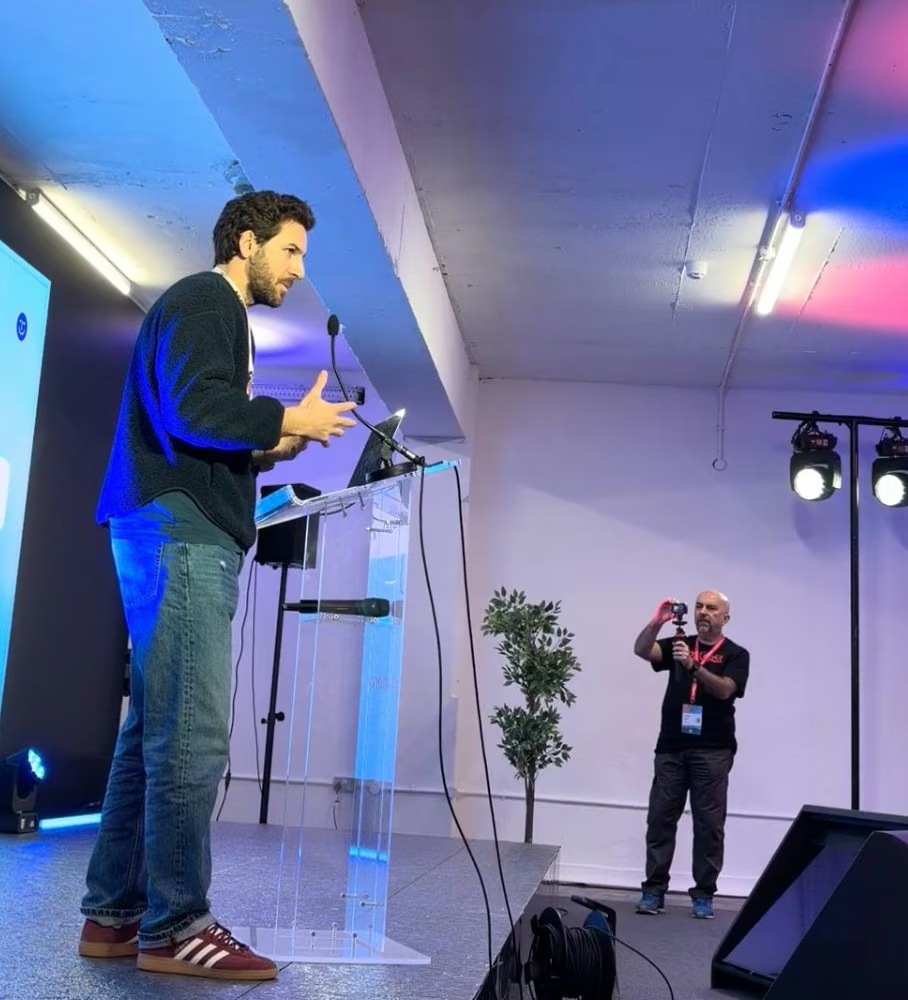
Events
Webinar: Survive The AI Era
Join our webinar on 18 November: what the latest AI models can do, which risks are real, how advanced firms already use AI, and how to stay practical about client data and FADP.


